
Skip to content
Request a demo

Reclamation & Remediation Tracking

SiteView follows each site from survey and scouting through decommissioning and reclamation. Permits, environmental assessments, incidents, remediation activity and estimated retirement costs sit in the same site record as its construction, cost and equipment history.

An environmental or reclamation team uses SiteView to follow decommissioning, remediation and reclamation milestones for every site through completion.

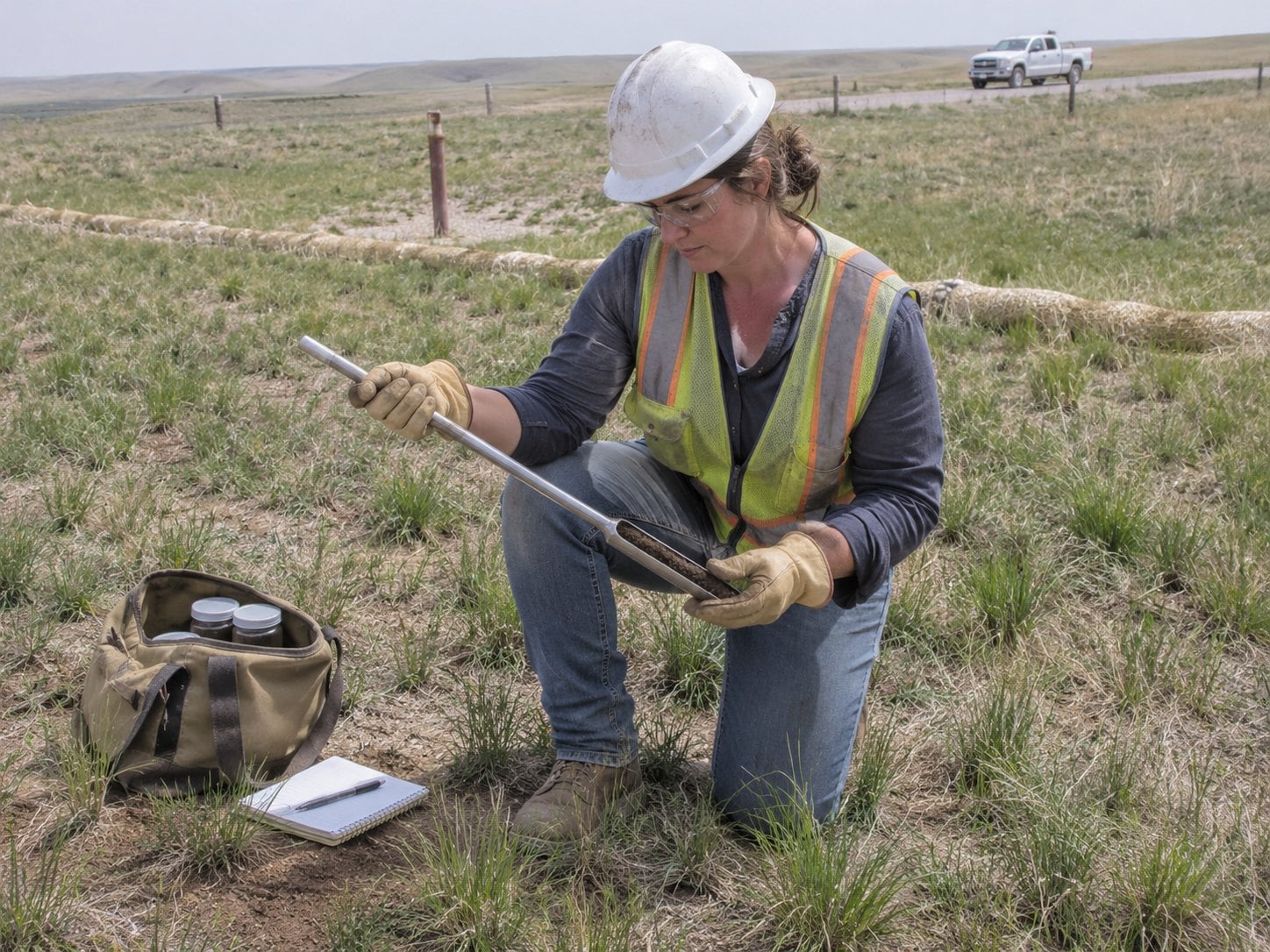
Environmental technician taking a soil core on a reclaimed well pad as native grass grows back

35+ YEARS

of energy expertise

700+ CLIENTS

worldwide

SOC 1 & 2 TYPE 2

security on Microsoft Azure

What Is Reclamation and Remediation Tracking?

Reclamation and remediation tracking is how an operator follows a site after its working life: decommissioning it, cleaning up contamination and restoring the land, with the permits, assessments and costs on record until the work is complete.

When those records sit in separate spreadsheets and files, apart from the site's construction and operating history, it is hard to see what each site still needs, what it will cost and how far the work has come.

SiteView connects permits, environmental assessments, incidents, remediation, reclamation and retirement-liability planning to the site lifecycle, in the same record that holds the site's construction, cost and equipment history.

Where Spreadsheet Reclamation Tracking Falls Short

The same five jobs, run two ways.

Reclamation and remediation tracking: spreadsheets and separate files compared with SiteView.

Spreadsheets, email and separate files

SiteView

Permits

Spreadsheets, email and separate files

Status and deadlines kept in separate lists

SiteView

Permit status, deadlines and follow-up work tracked by site

Environmental records

Spreadsheets, email and separate files

Assessments and incident reports filed apart from the site

SiteView

Assessments, drilling waste, incidents, spill data and contamination in the site record

Retirement costs

Spreadsheets, email and separate files

Estimates hard to tie to the sites they belong to

SiteView

Estimated retirement costs, timing and supporting records organized for planning and review

Reclamation progress

Spreadsheets, email and separate files

Hard to see how far each site has come

SiteView

Decommissioning, remediation and reclamation milestones followed through completion

Reporting

Spreadsheets, email and separate files

Status pulled together by hand

SiteView

Dashboards, notifications and reports on environmental status

How Reclamation Tracking Works in Peloton

From a site's working life to its reclamation, these are the steps SiteView keeps on one record.

  1. Start from the site record

    Each site in SiteView already carries its construction, cost, equipment and inspection history from survey and scouting onward, so closure work starts with the full context.

  2. Track permits and assessments

    Permit status, deadlines and supporting records sit with the site's environmental assessments, drilling waste, incidents and spill data.

  3. Plan retirement costs

    Estimated retirement costs, timing and supporting site records are organized for planning and review, connected to the decommissioning, remediation and reclamation work they cover.

  4. Record remediation in the field

    Remediation activity and contamination records are tracked as the work happens. Field teams capture site activity, inspections and photos in SiteView Go, online or offline.

  5. Follow reclamation to completion

    Decommissioning, remediation and reclamation milestones are followed through completion, with dashboards, notifications and reports on each site's environmental status.

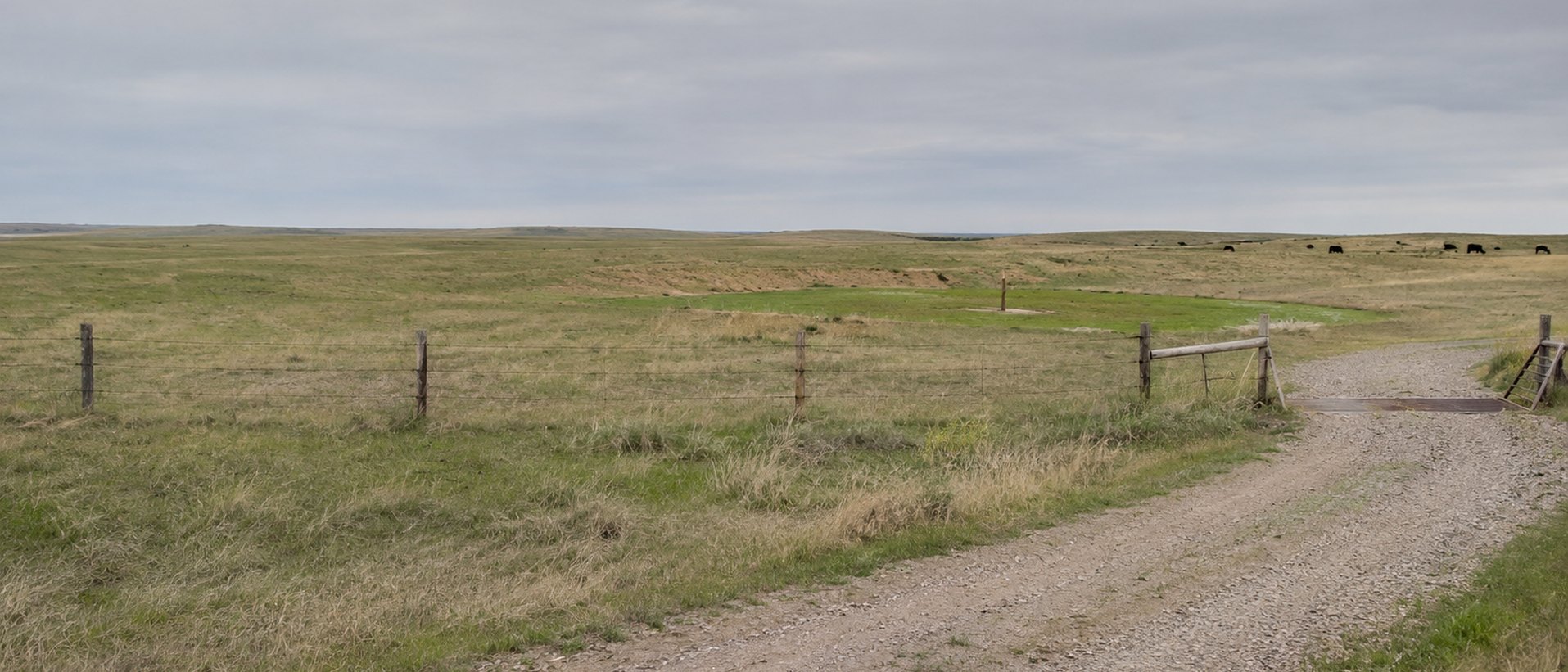
Restored pasture where a well pad once stood, with a fence line and a gravel lease road

Closing Out Sites with the Full Record

When decommissioning, remediation and reclamation sit in the same record as a site's construction and operating history, teams see what each site still needs and keep completed work available for reporting and audit support.

Following Reclamation to Completion with SiteView

How a team closing out retired well sites works in SiteView.

Challenge

A team responsible for retired well sites keeps permits, environmental assessments, remediation work and retirement-cost estimates in separate spreadsheets and files. Each site's construction and operating history sits somewhere else, so it is hard to see what a site still needs before its reclamation is complete.

Solution

In SiteView, each site's permits, environmental records, remediation activity and retirement-cost planning sit in the record that already holds its construction, cost and equipment history. Field teams capture site activity and inspections in SiteView Go, and reclamation milestones are followed through completion.

Outcome

The team sees every site's status in one place and keeps the records behind each step for planning, review and reporting.

  • Permits, assessments and remediation on one site record
  • Retirement-cost planning tied to the work
  • Reclamation milestones followed to completion

SiteView: Reclamation & Remediation in One Site Record

SiteView connects permits, environmental assessments, incidents, remediation, reclamation and retirement-liability planning to the site lifecycle.

SiteView

Oil and gas site and facility management software, from survey and scouting to reclamation, with construction, AFE costs, equipment, materials, maintenance and inspections in the same site records.

  • Permit tracking
  • Environmental records
  • Remediation activity
  • Asset retirement obligation planning
  • Reclamation milestones
  • Drilling waste and spill data
  • Environmental dashboards and reports

Reclamation and Remediation Questions

What is reclamation and remediation tracking?

Reclamation and remediation tracking follows a site after its working life, through decommissioning, cleanup and land restoration, with the permits, assessments and costs on record until the work is complete. Peloton SiteView connects permits, environmental assessments, incidents, remediation, reclamation and retirement-liability planning to the site lifecycle.

Which environmental records does SiteView keep for a site?

Peloton SiteView tracks environmental assessments, drilling waste, incidents, spill data, contamination and remediation activity for each site. It also keeps permit status, deadlines, supporting records and follow-up work by site, so the records behind a site's reclamation sit with the rest of its history.

How does SiteView handle asset retirement obligations?

Peloton SiteView organizes estimated retirement costs, timing and supporting site records for planning and review. It connects those estimates and long-term obligations with the decommissioning, remediation and reclamation activity they cover, so the plan and the work stay on the same site record.

Can field teams record reclamation work on location?

Yes. Peloton SiteView Go extends SiteView workflows to field teams for site activity, costs, inspections, safety events and equipment updates, online or offline. Field entries return to the central SiteView record, so the office sees the same status as the field.

How does reclamation tracking connect to a site's earlier history?

Peloton SiteView follows a site from survey and scouting through construction, operations, decommissioning and reclamation. Its construction, AFE costs, equipment, materials, maintenance and inspections are already in the site record when reclamation begins, and SiteView shares site context with WellView, ProdView and Peloton Dashboards.

How do teams report on reclamation progress?

Peloton SiteView uses configurable dashboards, notifications and reports to monitor project, cost, equipment and environmental status. Decommissioning, remediation and reclamation milestones are followed through completion, and completed work stays available for reporting and audit support.

What Customers Say About Working with Peloton

With SiteView, Peloton delivered a unique tool that truly addresses our challenges and helps us run our business better.

– Operations Advisor

Things are going really well with SiteView. A lot of areas have been fully implemented and on schedule. The power of what SiteView brings has been really inspiring to most of those groups.

– Inventory Supervisor, Supply Chain Management

The software has exceeded expectations, reducing regulatory reporting time from two days to ten minutes.

– SiteView Administrator/Business Analyst

See Reclamation Tracking in Action

See how SiteView follows decommissioning, remediation and reclamation milestones for every site, with the environmental records and retirement-cost planning behind them.

Request a SiteView Demo

A Peloton specialist will follow up to schedule.