Skip to content
Request a demo

Drilling and Completions Software

Drilling and completions software records what happens on the rig and the completions site in one structured well record: time logs, bit runs, mud properties, casing, cement, completions and costs. WellView gives field teams, engineers and service providers one standard way to enter or import that data, with validation at entry, so every well is reported the same way in every region.

70%+ of the industry runs WellView as the operational record of the well, from planning and drilling through completion, production handover and abandonment.

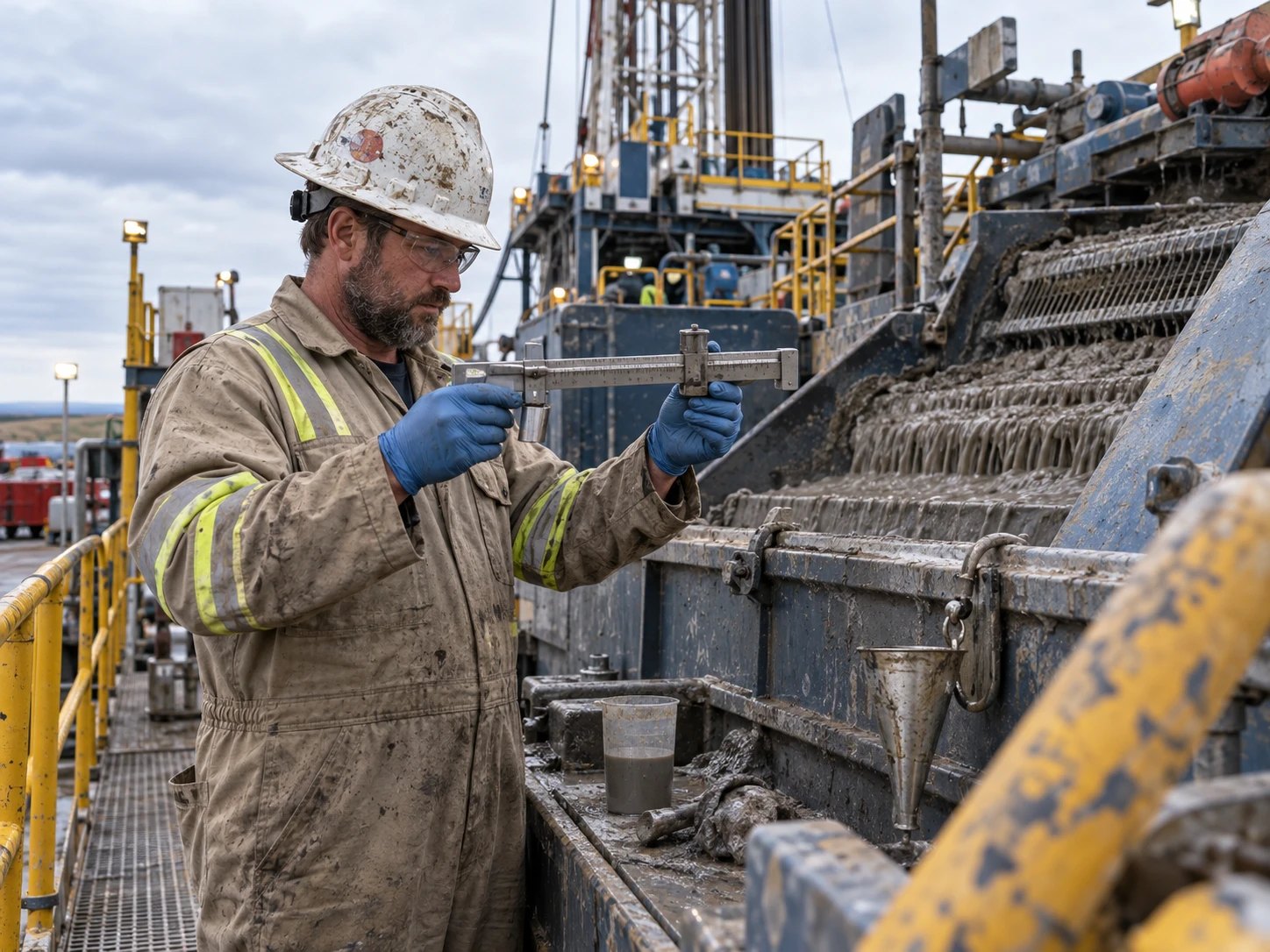
Mud engineer checking drilling mud with a mud balance beside the shale shaker on a land rig

35+ YEARS

of energy expertise

700+ CLIENTS

worldwide

SOC 1 & 2 TYPE 2

security on Microsoft Azure

What Is Drilling and Completions Data Management?

Drilling and completions data management is the practice of recording every operation on a well, from spud to completion, in a structured and consistent way. It covers what was done, what went into the hole, what it cost and how long it took, so engineers can compare wells, track nonproductive time and plan the next program from facts.

On most programs that data arrives from many hands. Rig crews keep time logs, mud engineers send spreadsheets, cementers and directional companies send their own reports, and supervisors retype it all. Every handoff is a chance for a missing field, a different unit or a value entered twice.

Well data management software moves that work to the source. Field teams and service providers enter or import data into one model, validation checks it as it arrives, and the same record serves the morning report, the AFE review and the final well file.

Where Drilling and Completions Data Goes Wrong

The same six jobs, run two ways.

Drilling and completions data: spreadsheet-based workflow compared with WellView.
JobSpreadsheets and disconnected systemsWellView
Daily reporting

Typed up each morning from notes and phone calls

Built from the time log and activity entered on location

Vendor data

Spreadsheets emailed in, then retyped by a supervisor

Imported in a standard format and mapped to the well record

Data quality

Units, codes and depths checked by eye, if at all

Smart fields and prompts check values at entry

Well schematics

Redrawn by hand after every change

Drawn from the data and editable straight from the schematic

Cost tracking

Reconciled against the AFE after the job

Daily costs reviewed against the AFE as work happens

Handover to production

Well details rebuilt in the production system

The well created in WellView appears in ProdView

How Drilling and Completions Reporting Works in WellView

A well program produces data every hour. These are the steps that turn it into one trusted record.

  1. Set up the well once

    The well header, wellbore and plan are created once in WellView and shared with the teams that need them, including RigView schedules and production systems.

  2. Capture daily operations

    Rig crews and supervisors record time logs, activity codes, bit runs, nonproductive time and costs on structured forms, in the field or in the office.

  3. Import vendor data

    Service providers send mud, cement and other reports in a standard format, and real-time directional data can sync through Peloton Innova. Data is imported, not retyped.

  4. Validate at entry

    Smart fields, built-in prompts and configurable audits check each value as it arrives, and version history keeps every change traceable.

  5. Report and hand over

    Daily reports, schematics and cost-versus-AFE views come from the same record. At handover the well moves into ProdView without being rebuilt.

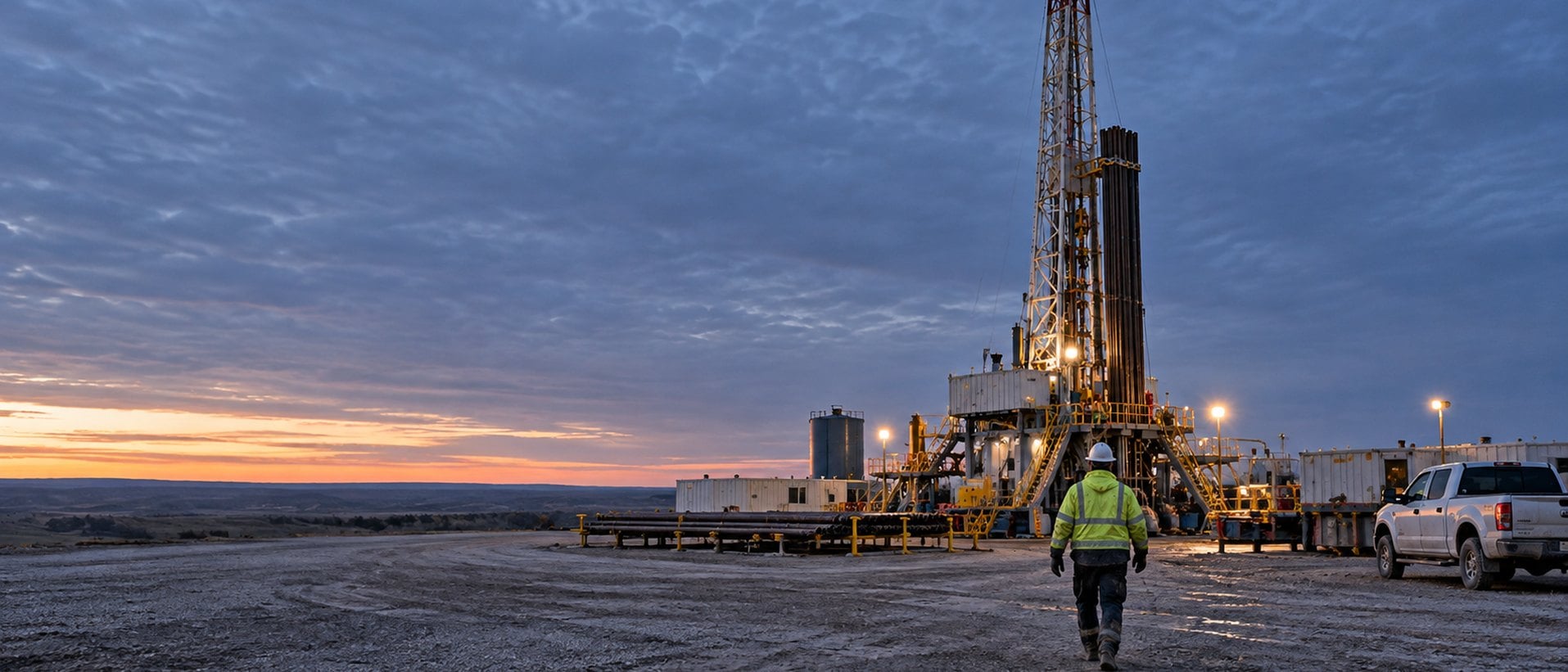
Crew member walking toward a land drilling rig on its pad at dusk

From the Rig Floor to the Well File

Drilling data starts on location. With WellView, the time log a rig crew enters and the vendor report a mud engineer sends land in the same well record, so the morning report, the cost review and the final well file all read the same numbers.

Reducing Mud Report Re-Entry with Vendor Imports

A representative drilling program workflow.

Challenge

A drilling team needed daily mud properties in WellView, but the workflow depended on retyping. Mud engineers sent spreadsheets, and supervisors re-entered each report by hand. Across a multi-week program that meant hours of repetitive entry, frequent rework, and mud data the team could not easily analyze or benchmark.

Solution

The team set up a vendor-neutral WITSML loader mapped to WellView's data model. Vendors deliver mud data in a standard format, and supervisors import each report in one step instead of re-keying it. Manual re-entry of mud reports stopped.

Outcome

Supervisors spend their time checking data quality instead of entering it, and mud properties sit in the same well record as the rest of the program.

  • Mud reports imported, not retyped
  • One standard format across vendors
  • Drilling data ready for analysis and benchmarking

WellView: Well Data Management Software for Drilling and Completions

WellView is the operational record of the well: planning, drilling, completions, workovers and abandonment in one place.

WellView

Daily operations, vendor data, well schematics, costs and audits across the well lifecycle, from the first time log to the final well file.

  • Daily operations, time logs and NPT
  • Vendor data imports in a standard format
  • Well schematics drawn from data
  • Daily costs tracked against AFE
  • Validation at entry and version history
  • Lifecycle record from planning to abandonment

Drilling and Completions Questions

What is drilling and completions software?

Drilling and completions software records the operations, equipment, materials and costs on a well from spud through completion in one structured record. Peloton's WellView captures daily operations, time logs, vendor data, casing, cement and completions, validates it at entry, and keeps it as the well's lifecycle record for engineering, operations and reporting teams.

What drilling data does WellView capture?

WellView captures daily operations and time logs, activity codes, bit runs, nonproductive time, mud properties, casing, cement, tubulars, completions and daily costs. It also holds high-frequency sensor data alongside static records, so engineers can review a well's construction and performance in one place on the Peloton Platform.

Can service providers send data straight into WellView?

Yes. Peloton supports standardized vendor imports, so mud, cement and other service-provider reports can be loaded into WellView in a consistent format instead of being retyped. Real-time directional data can also sync with WellView through Peloton Innova, built with Innova Drilling & Intervention.

How does WellView keep drilling data consistent across rigs and regions?

WellView uses one data model, configurable forms and validation at entry, so every team records the same fields the same way. Smart fields and built-in prompts catch missing or out-of-range values as they are entered, and Peloton's configurable audits and version history keep each change traceable.

Does WellView cover completions and workovers too?

Yes. WellView records the full well lifecycle: planning, drilling, completions, testing, workovers, production handover, abandonment and reclamation. Completions teams that need real-time frac data across service providers can add Peloton Frac, which populates WellView completions workflows from standardized vendor data.

How does drilling data connect to production?

On the Peloton Platform, a well created in WellView appears automatically in ProdView, so production teams start from the same well identity, wellbore and completion details. ProdView can also reference WellView jobs and failure records, which keeps drilling, completions and production history connected.

What Customers Say About Working with Peloton

WellView is easy to implement. Having our drilling data in WellView has given us time efficiency to generate final well report, internal well report, etc.

– Drilling Technical Analyst

WellView reports and our purpose-built integrity dashboards will allow easy user access to the well status and provide a consistent, up-to-date picture of our well integrity status to all levels in the organization.

– Wells & Integrity Lead

WellView provides a platform to standardize our well maintenance and integrity data management as well as our failure management workflows.

– Completions & Integrity Lead

See Drilling and Completions Software in Action

See how WellView captures daily operations, vendor data and costs in one validated well record, from spud to production handover.

Request a Drilling and Completions Demo

A Peloton specialist will follow up to schedule.