Skip to content
Request a demo

Surface Inspection Software for the Field

Surface inspection software lets field teams complete site and equipment inspections on a phone at the location, with checklists, photos and findings recorded once. SiteView Go works with or without a signal and syncs each inspection to SiteView, so the office sees what the field found without anyone retyping it.

Operators use SiteView Go for routine site inspections, preventive maintenance checklists, safety and HSE events, and the tasks that come out of them.

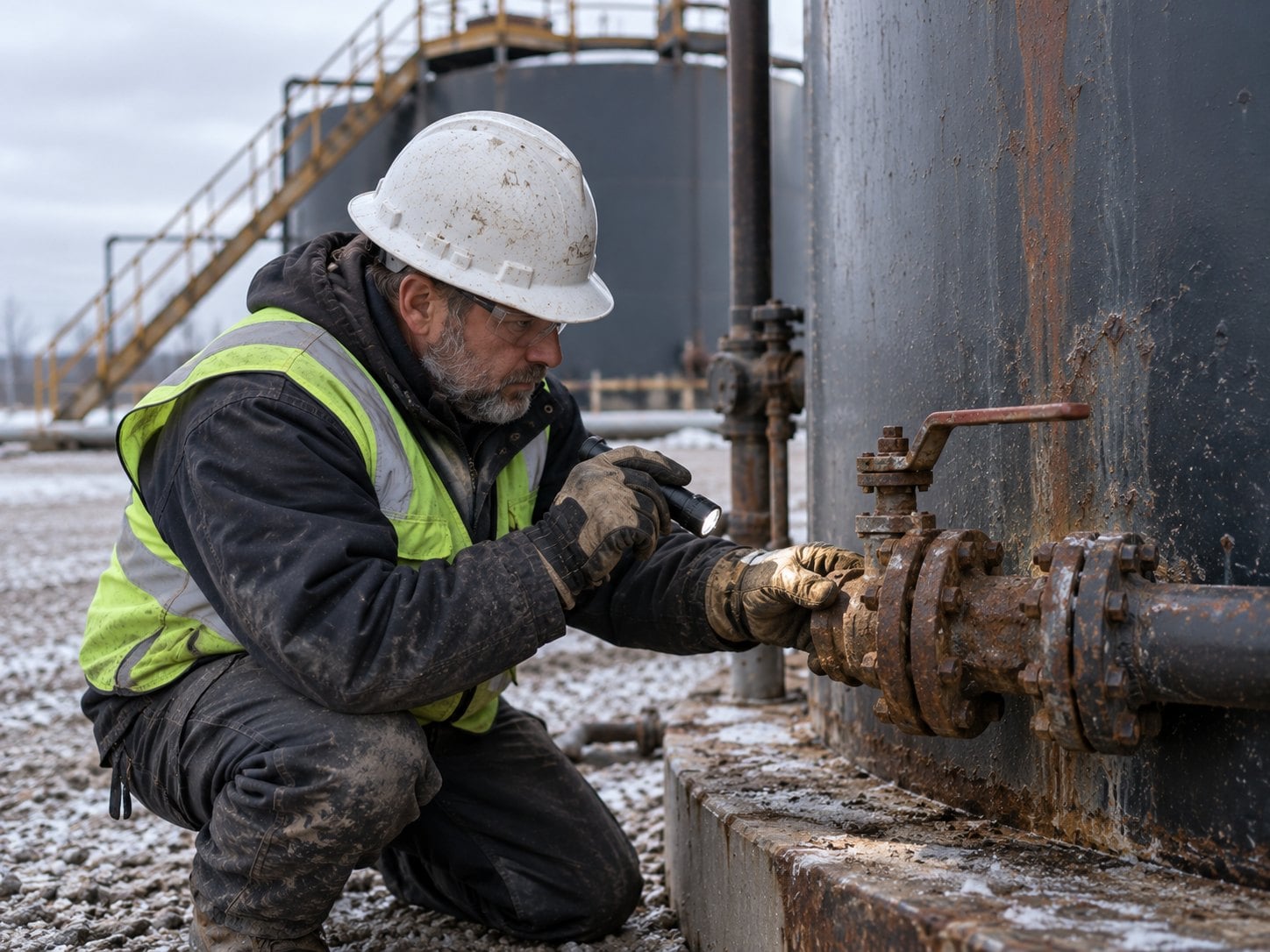
Inspector checking a corroded valve at the base of a production tank with a flashlight

35+ YEARS

of energy expertise

700+ CLIENTS

worldwide

SOC 1 & 2 TYPE 2

security on Microsoft Azure

What Is Mobile Surface Inspection?

Mobile surface inspection is the practice of recording site and equipment inspections on a phone or tablet while the inspector is still on location. It covers routine site walks, equipment checks, preventive maintenance, safety observations and the photos that show what was found.

On paper, the inspection is only half the work. Notes and photos come back to the office, someone retypes them, and details get lost on the way. Remote sites make it worse: no signal means no upload, and the report waits until the end of the week.

With SiteView and SiteView Go, the inspection is recorded once, at the site, on the same form the office reviews. Results sync when the device reconnects, and findings that need action reach the right people.

Where Field Inspections Lose Detail

The same six jobs, run two ways.

Field inspections: spreadsheet-based workflow compared with SiteView Go.
JobSpreadsheets and disconnected systemsSiteView Go
Recording findings

Paper notes, retyped at the office

Entered once on a phone at the site

Photos

On personal phones, sent later if at all

Attached to the inspection on location

No signal

Report waits until the inspector is back in range

Saved offline and synced automatically

Maintenance history

Scattered across old emails

One record per piece of equipment

Follow-up

Depends on someone reading the report

Results reach the right people when they sync

Regulatory reporting

Rebuilt from paper and spreadsheets

Built from inspection records already in SiteView

How Field Inspections Work in SiteView Go

From the site walk to the office review, these are the steps an inspection takes.

  1. Set up the forms

    Inspection checklists and maintenance forms are configured in SiteView, so every inspector records the same items the same way.

  2. Inspect on location

    Inspectors open the tasks due for their site or equipment in SiteView Go and complete the checklist on a phone or tablet, attaching photos as they go.

  3. Work offline

    At sites with no signal, entries are saved on the device and sync automatically when it reconnects. Nothing waits for a trip back to the office.

  4. Flag what needs action

    When results sync, findings that need action reach the right people, and equipment failures are logged against the asset.

  5. Review and report

    Inspection and maintenance records land in SiteView, where teams review trends, adjust maintenance frequency and prepare regulatory reports.

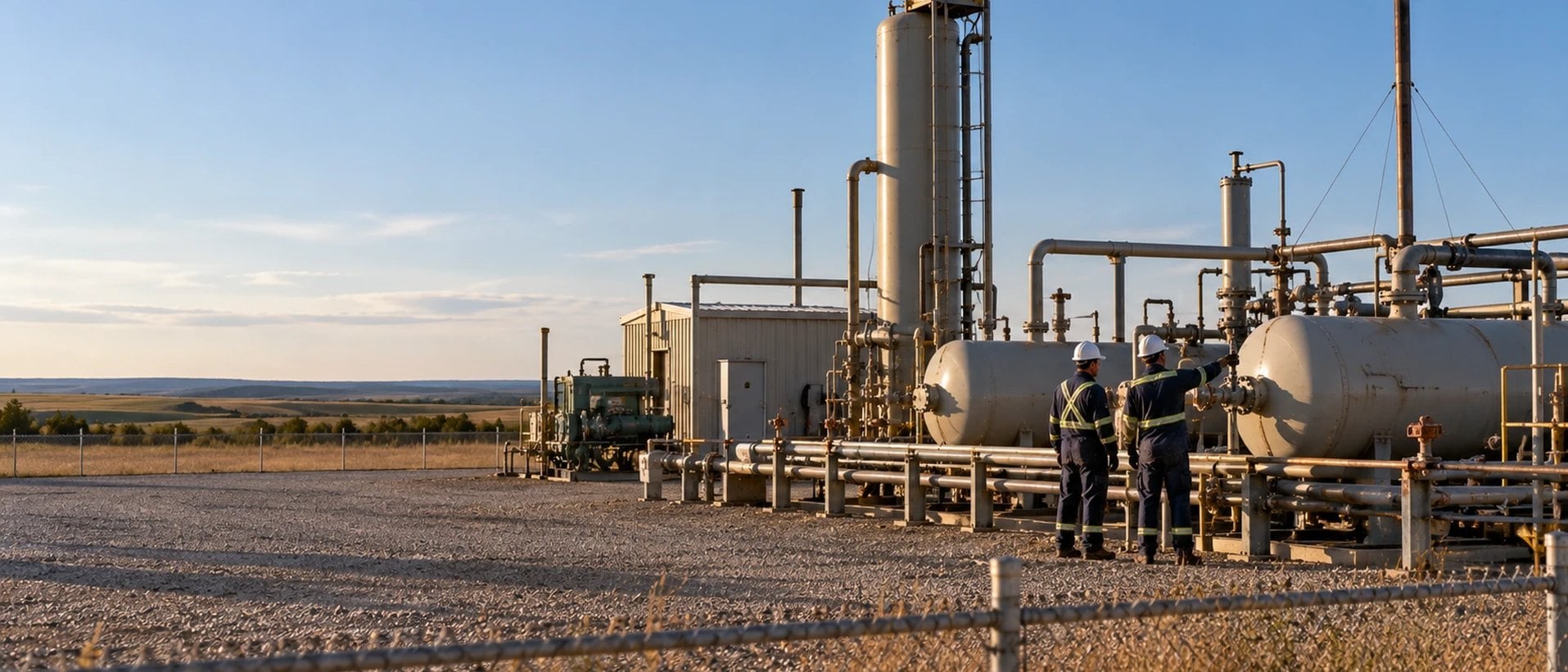
Two field workers checking a separator valve at a production facility, seen from outside the fence

No Signal? No Problem.

Inspections happen where coverage drops out. SiteView Go saves every checklist, photo and finding on the device and syncs it to SiteView the moment a connection returns.

Optimizing Equipment Maintenance from the Field

A large Texas-based operator's facility equipment maintenance program.

Challenge

A large Texas-based operator wanted to improve its equipment maintenance program but had no central database for maintenance records. Records of past maintenance could sometimes only be found by searching old emails. That made repair and maintenance work hard to track and increased the risk of unplanned downtime and higher costs.

Solution

The operator moved its maintenance checklists into SiteView Go. Heater treater preventive maintenance, flame arrestor cleanings, tank inspections and more are completed on a mobile device using custom forms, online or offline. Results upload when the device syncs and notify the right people of any required action, and failures are logged for equipment such as pumps, compressors and flare valves.

Outcome

The structured records show whether each maintenance frequency should be increased or kept, and failure history shows where to focus next. The operator is able to optimize its equipment maintenance schedule, leading to less downtime, lower costs and lower emissions.

  • Maintenance checklists completed on location
  • Failures logged for pumps, compressors and flare valves
  • One maintenance history per piece of equipment

SiteView Go: Mobile Field Inspection Software

SiteView Go is the mobile extension of SiteView for field teams: daily activity, costs, inspections, safety events and tasks from a phone.

SiteView Go

Inspections, maintenance checklists, safety and HSE events, photos and tasks, captured in the field and synced to SiteView, online or offline.

  • Custom inspection and maintenance forms
  • Offline entry with automatic sync
  • Photos attached on location
  • Safety and HSE event forms
  • Tasks grouped by site or equipment
  • Daily activity and cost capture

Field Inspection Questions

What is surface inspection software?

Surface inspection software records site and equipment inspections on a mobile device at the location, with checklists, photos and findings captured once. Peloton's SiteView Go lets field teams complete those inspections online or offline and syncs them to SiteView, where the office reviews results, trends and regulatory reports.

Does SiteView Go work offline?

Yes. SiteView Go saves inspections, forms and photos on the device when there is no signal and syncs them automatically when the device reconnects. Peloton built it for remote wellsites and facilities where coverage is unreliable, so inspectors never have to finish a report from memory back at the office.

Can SiteView Go track preventive maintenance?

Yes. Operators use SiteView Go to complete preventive maintenance checklists, such as heater treater maintenance, flame arrestor cleanings and tank inspections, from a mobile device. Results sync to SiteView, failures are logged against the equipment, and Peloton keeps a maintenance history for each asset to plan the next round of work.

What can field teams attach to an inspection?

Inspectors can attach photos and notes to an inspection while they are on location, alongside the checklist answers on the custom form. Peloton keeps those attachments with the inspection record in SiteView, so reviewers see the same evidence the inspector saw.

How is SiteView Go different from ProdView Go?

Both are Peloton mobile apps that work offline. SiteView Go is for surface, site and facility work: inspections, maintenance, safety and HSE events, tasks and daily costs that belong in SiteView. ProdView Go is for production work: volumes, measurements, well tests and downtime that belong in ProdView.

Can SiteView Go record safety and HSE events?

Yes. SiteView Go includes mobile forms for safety and HSE events, so field teams can record what happened while they are still on location. Peloton syncs the event to SiteView with any photos and notes, where HSE and operations teams review it and follow up.

What Customers Say About Working with Peloton

Peloton puts more real-time R&D in their products than any other oil and gas software vendor out there, and I have used a lot of them.

– Engineering Technician

It was the easiest SaaS migration I've ever done. Less than a week. I was able to sleep at night. These guys are the partner I should have gone with from the start for every part of my business.

– D&C Manager

The software has exceeded expectations, reducing regulatory reporting time from two days to ten minutes.

– SiteView Administrator

See Field Inspections in Action

See how SiteView Go captures inspections, maintenance checklists and photos in the field and syncs them to SiteView.

Request a Field Inspection Demo

A Peloton specialist will follow up to schedule.