
Skip to content
Request a demo

Field Operations Optimization with Mobile

ProdView Go equips field teams with a mobile-first application for capturing and updating production data at the source. Designed specifically for upstream oil and gas, including offline use in remote areas, the app streamlines data entry with structured forms and validation logic, reducing errors and eliminating paper-based workflows.

Field operators use ProdView Go to enter tank levels, downtime events and other production data directly from the field.
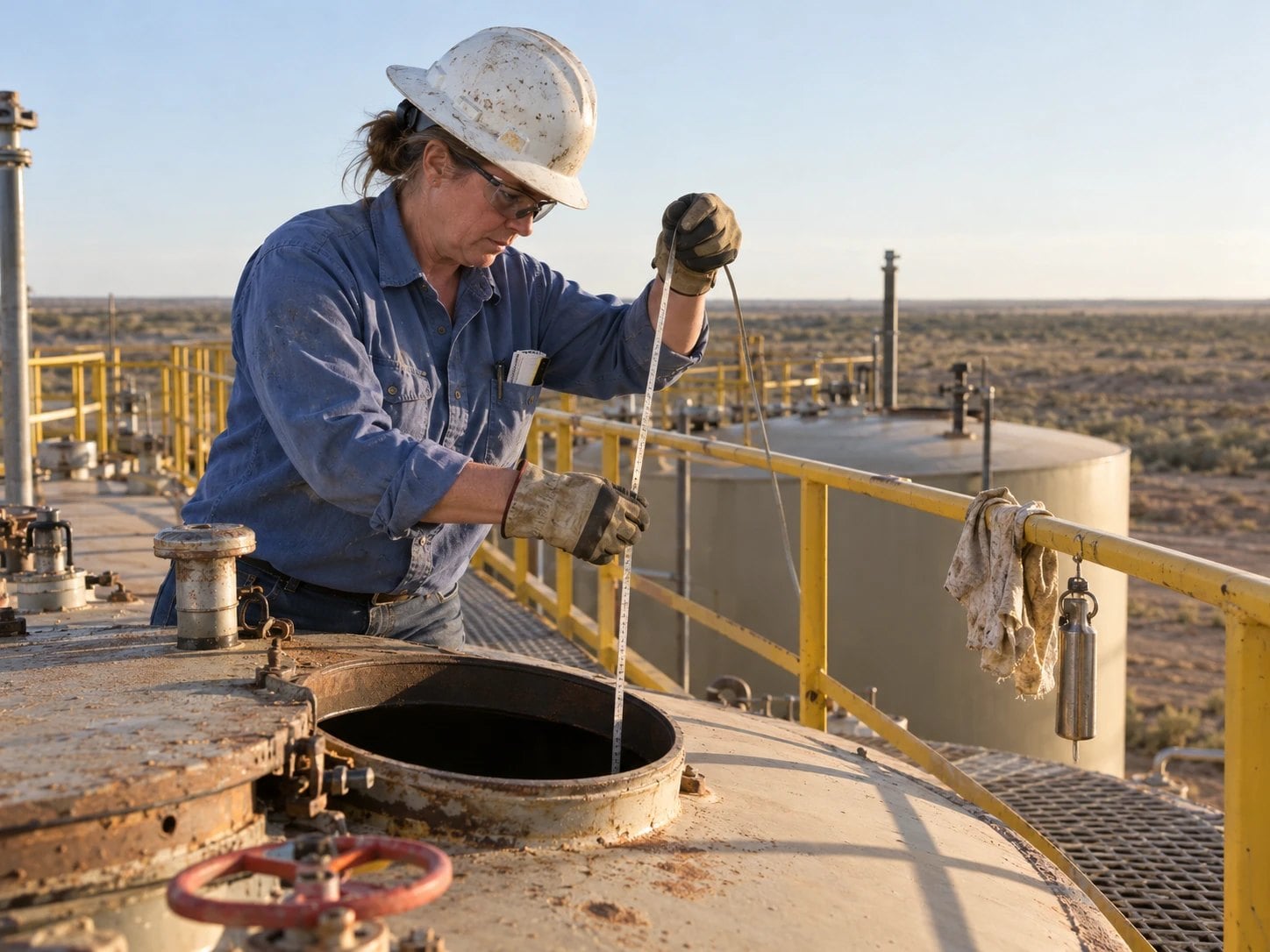
Lease operator lowering a gauge tape through the hatch of a stock tank from the walkway of a tank battery

35+ YEARS

of energy expertise

700+ CLIENTS

worldwide

SOC 1 & 2 TYPE 2

security on Microsoft Azure

What Is Mobile Field Data Capture?

Mobile field data capture means field operators enter tank levels, downtime events and other production data directly from the field, at the source, instead of on paper.

Manual reporting leads to delayed data, duplicate entry and limited visibility across teams. Re-entering paper records adds errors along the way.

Structured, mobile data capture improves accuracy and accelerates the flow of information to engineering and operations teams. With ProdView Go, data captured in the field, online or offline, syncs to ProdView.

Where Paper-Based Field Data Falls Short

The same five jobs, run two ways.

Field data capture: manual reporting compared with ProdView Go.
JobPaper and manual reportingProdView Go
Data entry

Paper-based workflows

Structured forms and validation logic at the source

Errors

Re-entry errors

Data validated as it is entered

Duplicate entry

The same data entered twice

Data synced to ProdView with no re-entry

Timing

Delayed data

Earlier visibility into field activity

Visibility

Limited visibility across teams

Information flows faster to engineering and operations teams

How Mobile Field Data Capture Works in Peloton

From the field entry to the teams who act on it, these are the steps production data takes.

  1. Build the forms

    Structured mobile forms are built in Peloton Ops, with validation logic for the data each job needs.

  2. Capture data at the source

    Field operators enter tank levels, downtime events and other production data in ProdView Go, directly from the field.

  3. Work online or offline

    ProdView Go is designed for upstream oil and gas, including offline use in remote areas, so data is captured online or offline.

  4. Sync to ProdView

    Once synced to ProdView, the data automatically populates calculations and dashboards, with no re-entry.

  5. Act on current data

    Engineering and operations teams get earlier visibility into field activity, for faster troubleshooting and better-informed production planning.

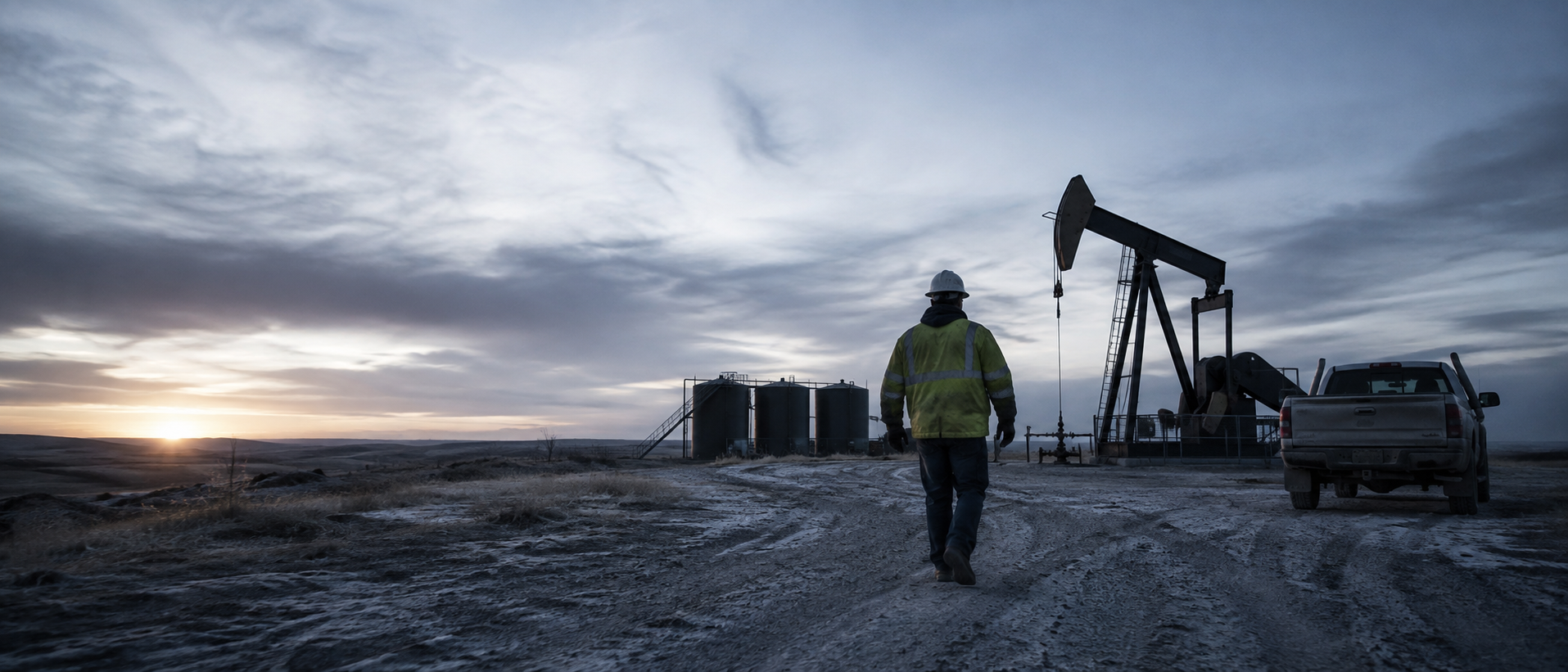
Field operator walking toward a pumpjack and tank battery at an oil and gas production site

Accelerating Field-to-Office Workflows

Structured, mobile data capture improves accuracy and accelerates the flow of information to engineering and operations teams. Earlier visibility into field activity leads to reduced delays, faster troubleshooting and better-informed production planning.

Mobile Vent Gas Capture Improves Emissions Oversight

A production team tracking vent gas during blowdown events.

Challenge

A production team needed a faster, more accurate way to track vent gas during blowdown events. Manual reporting processes led to delayed data, duplicate entry and limited visibility across teams.

Solution

Using ProdView Go, lease operators captured vent gas data directly in the field, online or offline, through structured mobile forms built in Peloton Ops. Once synced to ProdView, the data automatically populated emissions calculations and dashboards, eliminating re-entry errors and reducing administrative effort.

Outcome

With timely access to accurate field data, operations and compliance teams improved situational awareness, accelerated decision-making and made emissions reporting more efficient.

  • Vent gas captured in the field, online or offline
  • Emissions calculations populated automatically
  • No re-entry of field data

ProdView Go: Mobile-First Field Data Capture

ProdView Go is a mobile-first application for capturing and updating production data at the source, designed specifically for upstream oil and gas.

ProdView Go

Structured forms and validation logic for tank levels, downtime events and other production data, online or offline, synced to ProdView.

  • Mobile-first production data capture
  • Offline use in remote areas
  • Structured forms and validation logic
  • Tank levels and downtime events
  • Mobile forms built in Peloton Ops
  • Data synced to ProdView

ProdView Go Questions

What is ProdView Go?

ProdView Go is Peloton’s mobile-first application for capturing and updating production data at the source. It is designed specifically for upstream oil and gas, including offline use in remote areas, and streamlines data entry with structured forms and validation logic, reducing errors and eliminating paper-based workflows.

What production data can field operators capture with ProdView Go?

Field operators use ProdView Go to enter tank levels, downtime events and other production data directly from the field. Lease operators have also used it to capture vent gas data during blowdown events, through structured mobile forms built in Peloton Ops.

Does ProdView Go work offline?

Yes. Peloton designed ProdView Go for upstream oil and gas, including offline use in remote areas, so lease operators capture data directly in the field, online or offline. When one team tracked vent gas this way, once the data synced to ProdView it automatically populated emissions calculations and dashboards, with no re-entry.

How does mobile data capture improve field-to-office workflows?

Structured, mobile data capture improves accuracy and accelerates the flow of information to engineering and operations teams. With Peloton ProdView Go, earlier visibility into field activity leads to reduced delays, faster troubleshooting and better-informed production planning, in place of paper-based workflows and manual reporting.

How did ProdView Go improve emissions oversight for vent gas?

A production team needed a faster, more accurate way to track vent gas during blowdown events. Using Peloton ProdView Go, lease operators captured vent gas data in the field. Once synced to ProdView, it populated emissions calculations and dashboards, eliminating re-entry errors, and operations and compliance teams made emissions reporting more efficient.

What Customers Say About Working with Peloton

ProdView’s reporting system and services allows users to serve up company data quicker, easier and more dynamic over other production systems we’ve worked.

– Engineering Technician

I really appreciate the effort, professionalism and responsiveness that Peloton has demonstrated throughout our ProdView implementation process.

– Engineer

I appreciate the quick learning curve for my field staff for the use and input of data into ProdView.

– Peloton Administrator

See Mobile Field Data Capture in Action

See how ProdView Go captures tank levels, downtime events and other production data at the source, online or offline.

Request a ProdView Go Demo

A Peloton specialist will follow up to schedule.