
Skip to content
Request a demo

Geospatial Asset Analysis

Geospatial asset analysis puts land agreements, ownership, wells, facilities and infrastructure on one map, so teams can see how they relate across a project area. LandView Map shows LandView records on Esri-based maps that update as the records change, so land, operations and development teams plan from the same picture.

Teams use LandView Map for oil and gas development, midstream routes, wind and solar projects, and utility rights-of-way.

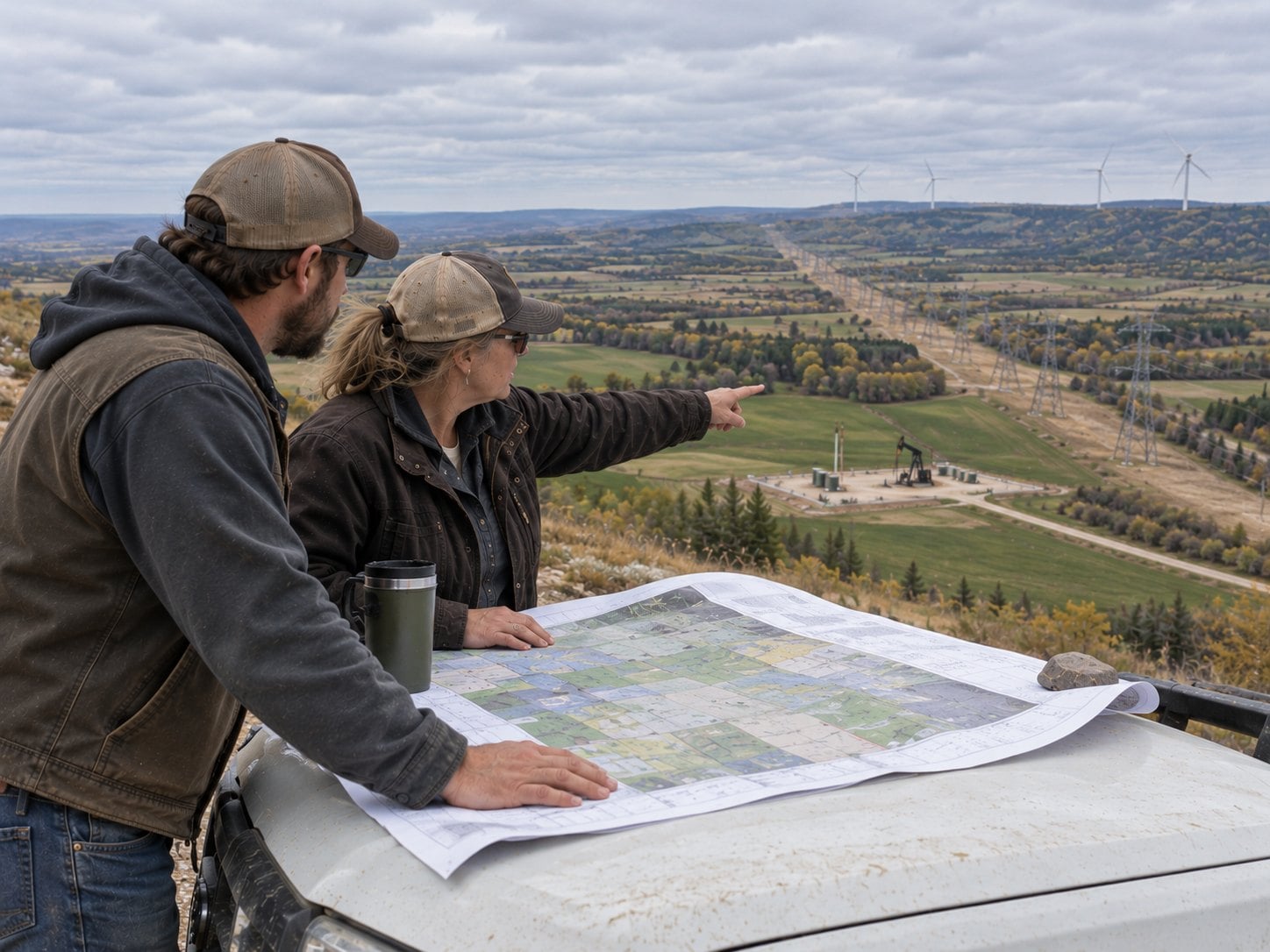
Two land agents comparing a printed parcel map with the project area from a ridge

35+ YEARS

of energy expertise

700+ CLIENTS

worldwide

SOC 1 & 2 TYPE 2

security on Microsoft Azure

What Is Geospatial Asset Analysis?

Geospatial asset analysis is the practice of viewing land, assets and infrastructure by location to answer questions a spreadsheet cannot: which agreements cover this route, where interests overlap, which parcels still need curative work, and what sits near a planned well, turbine or line.

Most land teams have the data but not the view. Agreements live in one system, wells and facilities in others, and maps are drawn by hand and go out of date the day a record changes.

Land mapping software connected to the land system closes that gap. Legal descriptions generate map shapes automatically, the map updates as records change, and teams move between the map and the record behind each shape.

Where Land and Asset Maps Fall Behind

The same six jobs, run two ways.

Geospatial asset analysis: spreadsheet-based workflow compared with LandView Map.
JobSpreadsheets and disconnected systemsLandView Map
Building maps

Drawn by hand from legal descriptions

Shapes generated from LandView legal descriptions

Keeping maps current

Out of date when a record changes

Updated automatically as records change

Finding overlaps

Comparing reports side by side

Overlapping agreements and interests visible on the map

Route planning

Static maps and separate datasets

Agreements, parcels and infrastructure in one view

Context

One system per discipline

Move between the map, LandView, WellView, SiteView and ProdView

Sharing

Screenshots in email

Saved areas of interest, snapshots and CSV export

How Geospatial Asset Analysis Works in LandView Map

From a legal description to a routing decision, these are the steps that turn land records into a working map.

  1. Map from the record

    Legal descriptions in LandView generate map shapes automatically, with no separate GIS drafting.

  2. Add the layers you need

    Wells, facilities, pipelines and crossings sit alongside custom, external, environmental and regulatory layers on an Esri framework.

  3. Analyze the area

    Spatial queries show agreements, ownership and obligations by area, so teams can find overlapping interests, routing constraints and parcels that need curative work.

  4. Move to the detail

    From any shape, teams open the record behind it in LandView, WellView, SiteView or ProdView without losing the context of the map.

  5. Share and decide

    Saved areas of interest, map snapshots and CSV exports keep land, legal, GIS and development teams working from the same view.

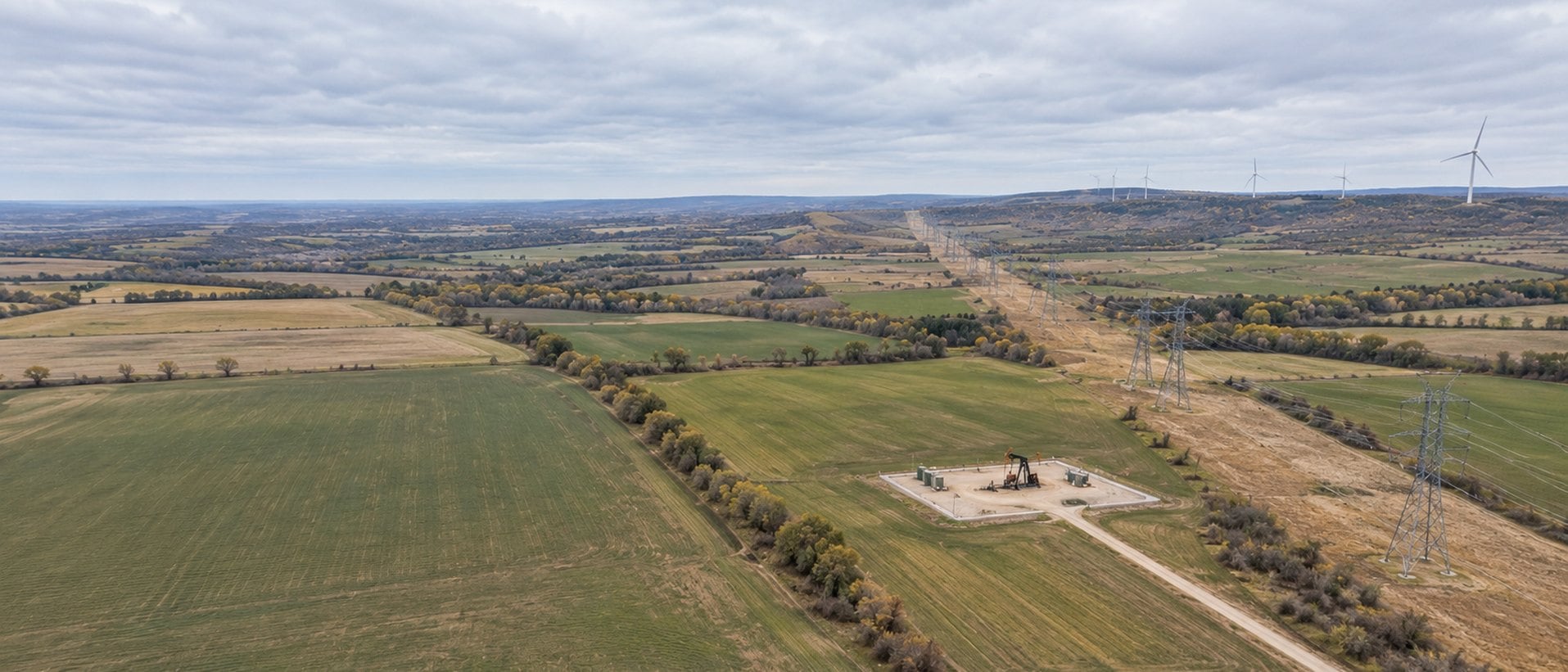
Drone view of farmland crossed by a power line right-of-way, with a pumpjack well pad and wind turbines beyond

One Map. Full Context.

A map is only useful if it matches the records. LandView Map updates as agreements change in LandView, so every team sees current boundaries, ownership and infrastructure in one place.

Three Projects. One Map.

How land teams use LandView Map across oil and gas, wind and utility work.

Oil and Gas Development

A land team supporting a multi-phase development struggled to see stakeholder overlap and agreement boundaries across a growing lease area. With LandView Map in its LandView workflow, the team worked from one map of tracts, surface agreements and stakeholder parcels, assessed infrastructure routing options and prioritized parcels that needed curative action.

  • Overlapping agreements found early
  • Parcels prioritized for curative action

Wind Projects

Wind developers map ownership parcels, lease boundaries and setback buffers in one view, with surface and permit agreements layered over environmental and zoning data. Project teams can address compliance risks early and plan turbine placement around restricted areas.

  • Surface and permit agreements on the map
  • Setbacks and zoning in the same view

Utility Rights-of-Way

Utilities track easements and rights-of-way along transmission and distribution corridors. With Peloton Broker for tracts before agreement, LandView for finalized easements and LandView Map for the corridor, field and legal teams can find gaps, flag title risks and line up ownership resolution with project milestones.

  • Easements tracked along the corridor
  • Title risks flagged before construction

LandView Map: Land GIS Mapping Software

LandView Map is the mapping application for the Peloton Platform, built on Esri and connected to LandView records.

LandView Map

Agreements, ownership, wells, facilities and infrastructure on one map, with custom layers, spatial queries and navigation across Peloton applications.

  • Shapes generated from legal descriptions
  • Automatic updates from LandView records
  • Custom, external and regulatory layers
  • Spatial queries and CSV export
  • Saved areas of interest and snapshots
  • Built on Esri, on desktop or mobile

Geospatial Questions

What is geospatial asset analysis?

Geospatial asset analysis views land agreements, ownership, wells, facilities and infrastructure by location to answer planning questions, such as which agreements cover a route or where interests overlap. Peloton's LandView Map shows LandView records on Esri-based maps that update as records change, alongside custom and third-party layers.

Does LandView Map work with Esri ArcGIS?

Yes. LandView Map is built on Esri's framework and works with Esri and ArcGIS layers. Peloton adds custom and external layers, such as environmental, regulatory and third-party data, to the land and asset records from LandView and other Peloton applications.

How does LandView Map stay current?

LandView Map is connected to LandView in both directions. Legal descriptions generate map shapes automatically, and as records change in LandView the map updates, so Peloton users do not maintain a separate set of hand-drawn maps that drift away from the land records.

Can LandView Map support renewables and utility projects?

Yes. LandView Map supports linear and area projects for midstream, renewables and transmission. Wind and solar developers use it to map ownership parcels, lease boundaries and setbacks, and utilities use it with LandView and Peloton Broker to track easements and rights-of-way along their corridors.

What spatial analysis can teams run?

Teams can visualize ownership and lease activity across tracts and regions, overlay regulatory, environmental or third-party data, and create spatial queries to see assets and track obligations by area. Peloton also supports saved areas of interest, map snapshots for sharing and CSV export.

Can field teams use LandView Map on mobile?

Yes. LandView Map works on desktop, laptop and mobile devices, so land agents and field teams can review agreements, parcels and infrastructure on location. Peloton keeps the same layers and records available wherever the map is opened.

What Customers Say About Working with Peloton

Integrating the failure and failure detail tables provided us with a foundation to drive our core workflows. We use the tables for almost everything related to field-level and well-level management.

– Senior Production Tech

Peloton puts more real-time R&D in their products than any other oil and gas software vendor out there, and I have used a lot of them.

– Engineering Technician

It was the easiest SaaS migration I’ve ever done. Less than a week. I was able to sleep at night. These guys are the partner I should have gone with from the start for every part of my business.

– D&C Manager

See Geospatial Asset Analysis in Action

See how LandView Map puts agreements, ownership and infrastructure on one current map for your project area.

Request a Geospatial Asset Analysis Demo

A Peloton specialist will follow up to schedule.